
Your smartphone is one of the most important devices you use every day. From making calls and sending messages to taking photos and managing work, your phone plays a major role in your daily routine. However, accidental drops, water exposure, battery problems, and everyday wear can damage your device. The good news is that a few simple habits can help protect your smartphone and keep it working properly for longer.
1. Use a Protective Phone Case
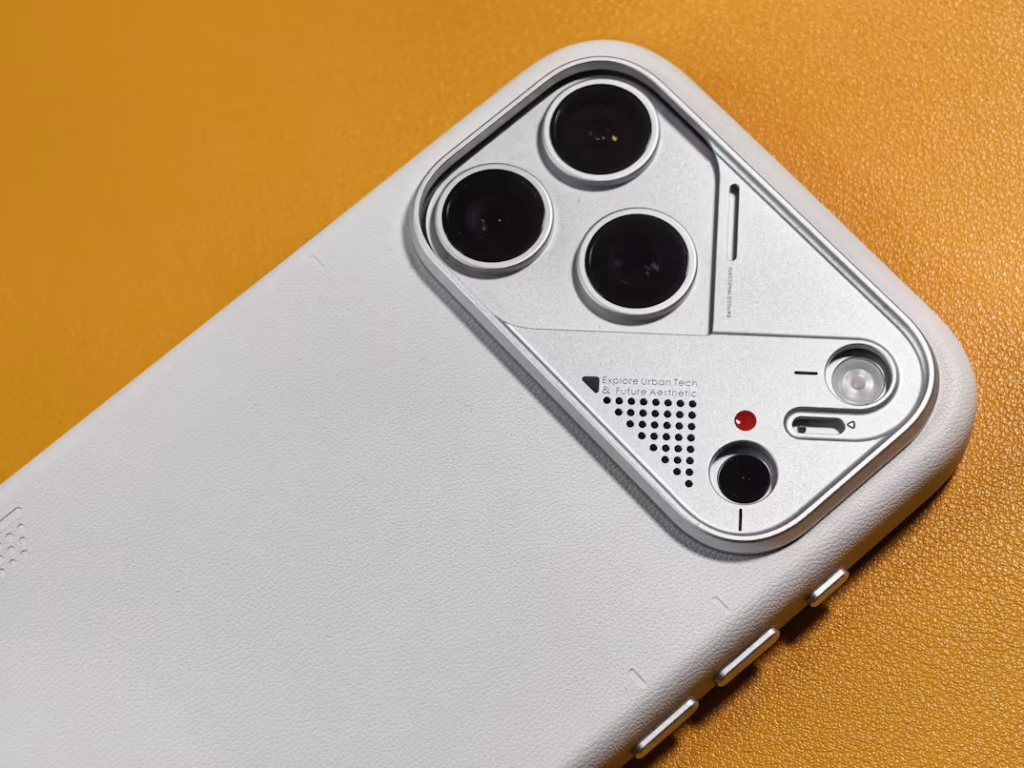
A quality phone case can help protect your device from scratches, minor impacts, and accidental drops. Choose a case designed specifically for your phone model, with raised edges around the screen and camera. Although no case can guarantee complete protection, the right one can reduce the risk of damage during everyday use.
2. Protect Your Screen With a Screen Protector
Your smartphone screen is vulnerable to scratches, cracks, and other forms of damage. A suitable screen protector adds an extra layer of protection against everyday wear. Choose one that fits your device properly and does not interfere with touchscreen sensitivity. Remember that a screen protector cannot prevent every type of screen damage, especially during severe impacts.
3. Keep Your Phone Away From Water
Water and electronic components do not mix well. Even smartphones advertised as water-resistant can lose their protection over time due to wear, accidental damage, or previous repairs. Avoid using your phone near sinks, swimming pools, or other wet environments. If your phone gets wet, do not charge it while the charging port is wet. Follow the manufacturer’s drying instructions and seek professional assistance if the device develops problems.
4. Take Care of Your Phone Battery
Good charging habits can help maintain your phone battery over time. Use compatible charging accessories and avoid exposing your device to extreme temperatures. If your phone becomes unusually hot during charging, disconnect it when safe to do so and investigate the cause. Never ignore warning signs such as a swollen battery, unexpected shutdowns, or severe overheating.
5. Avoid Using Damaged Charging Cables
A damaged charging cable can affect charging performance and create safety risks. Check your charging accessories regularly for frayed wires, bent connectors, or signs of overheating. Replace damaged accessories with compatible alternatives from reliable sources. Avoid bending cables sharply or pulling them out by the wire, as these habits can shorten their lifespan.
6. Keep Your Smartphone Clean
Dust, fingerprints, and debris can accumulate on your phone’s screen, speakers, and charging port. Clean the exterior with a soft, lint-free cloth and follow your manufacturer’s cleaning recommendations. Avoid spraying liquid directly onto the device or inserting sharp objects into its openings. If dirt is trapped inside the charging port or speaker grille, professional cleaning may be the safer option.
7. Install Software Updates Regularly
Software updates can provide security improvements, bug fixes, and performance enhancements. Keeping your phone’s operating system and applications updated can help maintain a smoother and more secure experience. Before major updates, make sure your important data is backed up and your device has sufficient battery power and storage space.
8. Handle Your Phone Carefully
Many smartphone repairs begin with accidental drops or unnecessary physical pressure. Avoid placing your phone near the edge of a table, sitting on it, or keeping it loose alongside keys and other sharp objects. Store your device securely when traveling, and avoid using it in situations where a drop is more likely.
9. Back Up Your Important Data
Even with careful handling, unexpected damage can happen. Regularly back up your photos, contacts, documents, and other important files using a trusted cloud service or another secure storage option. Having a recent backup can make it easier to recover important information if your phone becomes damaged or stops working.
10. Address Small Problems Before They Get Worse
A minor screen crack, loose charging connection, or rapidly draining battery may seem manageable at first. However, these problems can become more disruptive if ignored. If your phone starts behaving unusually, consider getting it inspected to identify the cause and understand your repair options. Early diagnosis may help prevent unnecessary complications.
When Should You Visit a Professional Phone Repair Shop?
If your smartphone has a cracked display, charging issues, battery problems, malfunctioning speakers, or a faulty camera, professional inspection can help identify the underlying cause. Attempting complex repairs without the proper tools and experience may result in additional damage. A qualified technician can assess your device and recommend an appropriate solution.
Protect Your Device With PhonesDoktor
Taking care of your smartphone can help reduce everyday damage, but accidents and hardware problems can still happen. At PhonesDoktor, we help customers understand common smartphone issues and explore suitable repair solutions. Whether you’re dealing with a damaged screen, battery concerns, charging problems, or another hardware issue, our team can help you determine the next steps.
PhonesDoktor — Helping You Keep Your Smartphone in Better Condition.